
What Happens When JAWS Split Braille Gets More Than One Line to Work With?

Dot Marketing
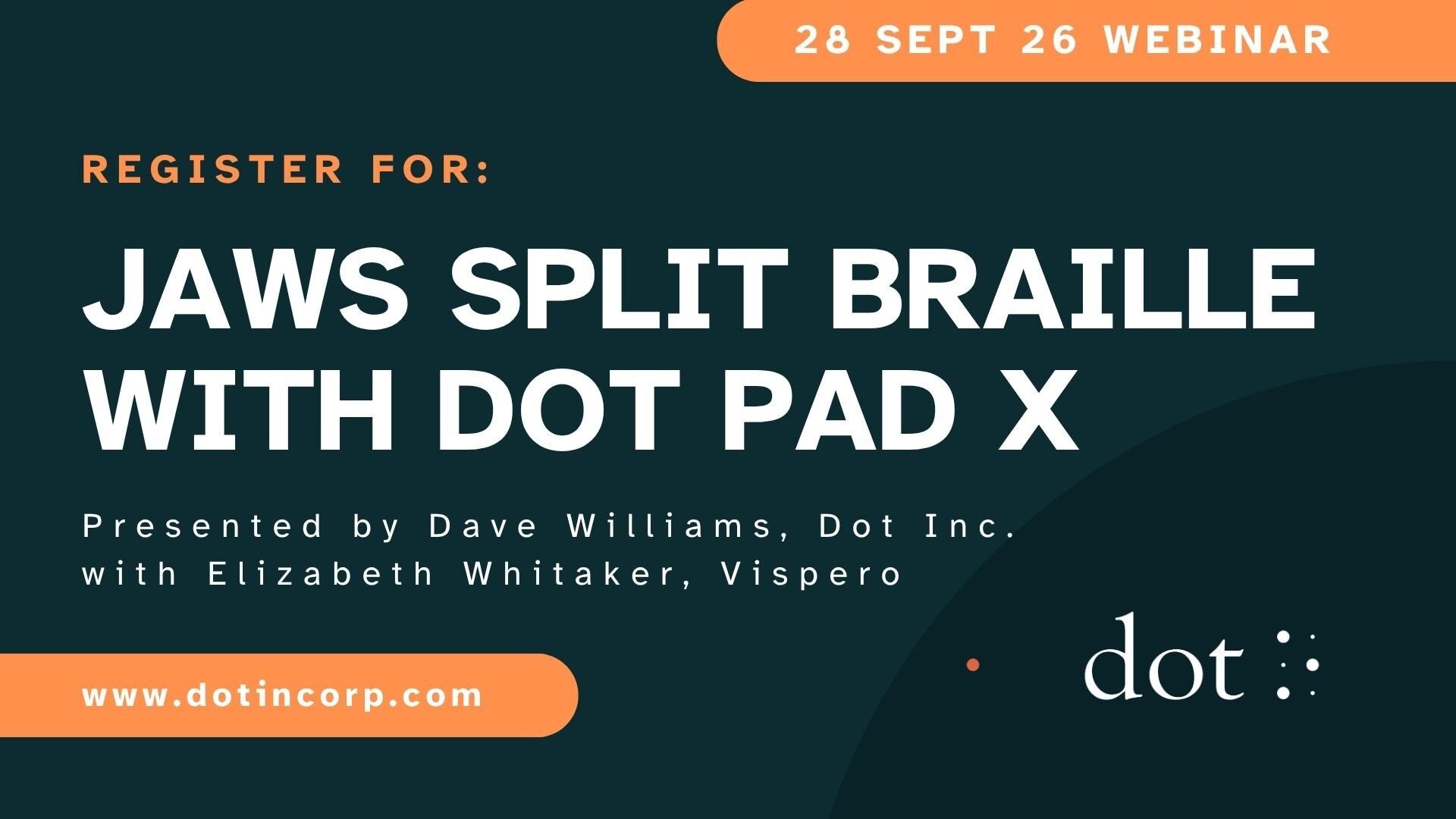
Register for Dot Inc's September Webinar with Special Guest, Liz Whitaker from Vispero
Following strong interest in multiline Braille during our August Back to School webinar, we’re taking a closer look at what happens when JAWS Split Braille is combined with Dot Pad’s multiline Braille display.
Join us on Monday 28 September at 5pm UK / 12 noon Eastern / 9am Pacific for our next Dot webinar.
JAWS Split Braille with Dot Pad
Monday 28 September | 5pm UK | 12 noon Eastern | 9am Pacific
Register for the webinar: https://us06web.zoom.us/webinar/register/WN_vaOefrqrThui8FTe9XXO7Q
We’ll explore some genuinely powerful ways of combining JAWS Split Braille with a multiline braille display.
In Microsoft Word, you’ll be able to read your document while also accessing information such as comments, annotations and font attributes - without constantly moving away from the text.
And for braille learners and teachers, there’s another really exciting possibility: displaying uncontracted and contracted braille simultaneously. Rather than switching backwards and forwards between the two, multiline braille lets you explore them together — a simple idea with real potential for developing braille skills and confidence.
Multiline Braille isn’t simply about giving you more Braille. It opens up new ways to organise, compare and understand information.
Whether you’re a braille user, teacher, student, accessibility professional or just curious about what multiline braille can do, we hope you’ll join us.
.png?width=1920&height=1080&name=Copy%20of%20Green%20Orange%20Modern%20Bold%20Marketing%20Webinar%20Video%20(1).png)