---
title: "Real-Time Tactile Access to STEM Education: Isaac’s Experience with Dot Pad"
description: Discover how Isaac, a blind Purdue student, uses Dot Pad for real-time tactile access to STEM education, enhancing learning and participation in class.
image: https://blog.dotincorp.com/hubfs/issac%20and%20anat.png
---
[Skip to content](https://blog.dotincorp.com/isaacs-experience-with-dot-pad#main-content)
[Homepage](https://www.dotincorp.com/en)
- [About Dot](https://www.dotincorp.com/en/company)
- [Dot Pad X](https://www.dotincorp.com/en/product/dotpadx)
- [Dot Cell](https://www.dotincorp.com/en/product/dotcell)
- [Dot Apps](https://www.dotincorp.com/en/service/dot-apps)
- [News](https://blog.dotincorp.com/)
[Contact Us](https://blog.dotincorp.com)
- [About Dot](https://www.dotincorp.com/en/company)
- [Dot Pad X](https://www.dotincorp.com/en/product/dotpadx)
- [Dot Cell](https://www.dotincorp.com/en/product/dotcell)
- [Dot Apps](https://www.dotincorp.com/en/service/dot-apps)
- [News](https://blog.dotincorp.com/)
[Contact Us](https://blog.dotincorp.com)
# Real-Time Tactile Access to STEM Education: Isaac’s Experience with Dot Pad

Dot Marketing
September 23, 2026
For blind students studying science, technology, engineering and mathematics, accessibility involves more than converting written content into Braille.
Graphs, equations, diagrams, technical interfaces and other spatial representations can carry essential information that is difficult to communicate through sequential text alone. In a university environment, there is an additional consideration: **when that information becomes available**.
Tactile graphics produced in advance can provide access to planned course materials, but they cannot always address information generated spontaneously during a lecture, laboratory session or problem-solving discussion.
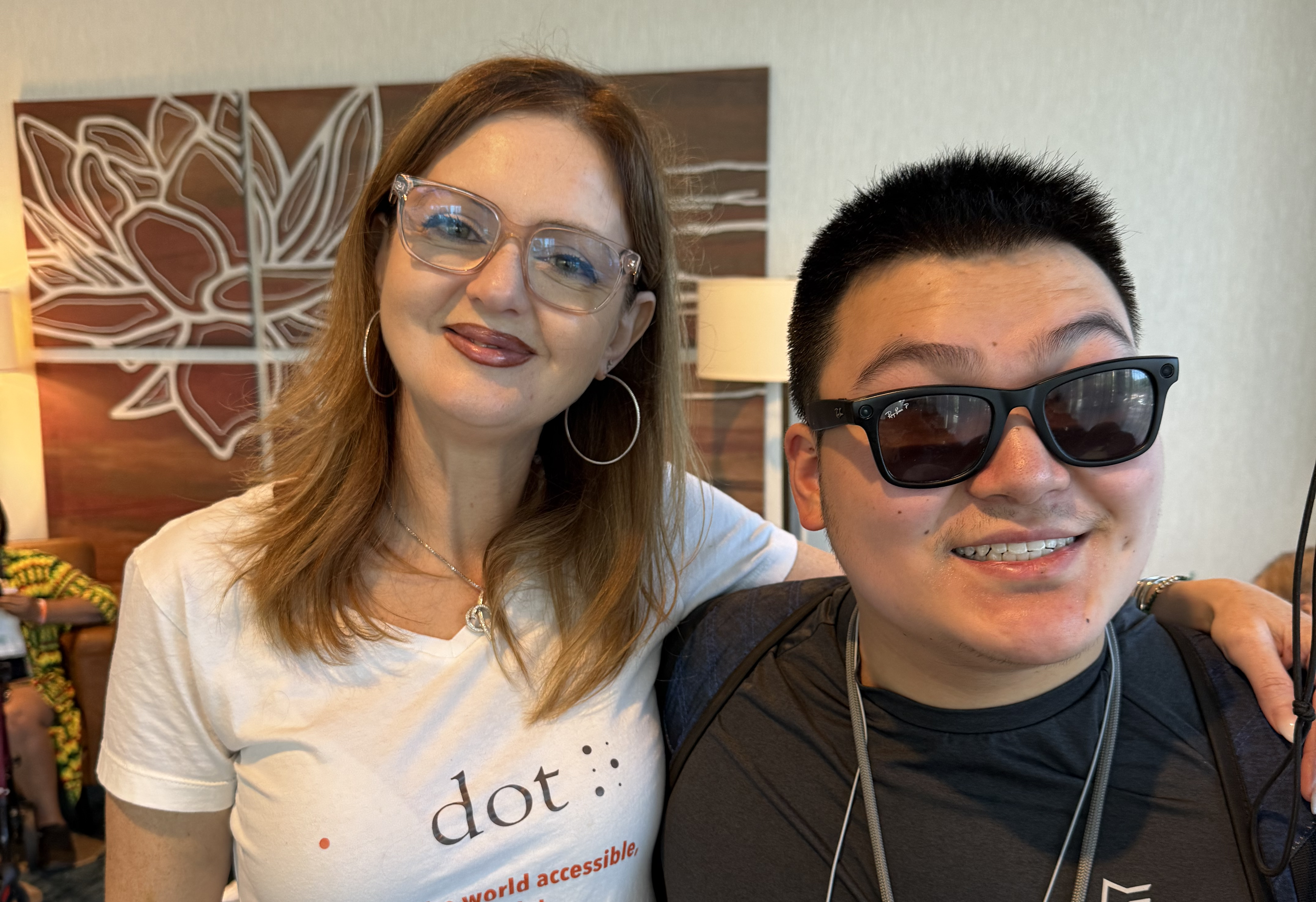
Isaac Z. Raske, a blind Purdue University student studying Computer Engineering Technology and Cyber Security, uses Dot Pad as part of his approach to accessing this information.
## The academic access challenge
Isaac has used Braille since he was three years old. His experience highlights a distinction between **access to text** and **access to spatial information**.
Traditional single-line Braille displays are highly effective for sequential text, but complex STEM content can require a student to understand relationships between multiple elements at the same time. Moving through a multi-line equation sequentially can make it harder to retain the relationship between different parts of the expression.
Similarly, a physical tactile graphic can communicate a graph, diagram or other spatial representation, but producing one generally requires preparation in advance. This creates a particular challenge in live teaching, where an instructor may draw a diagram, modify a graph or introduce an unexpected visual representation during a class.
For a student who cannot access that visual information directly, the issue is therefore not simply whether an accessible version exists. It is whether the accessible information is available **at the point at which it becomes academically relevant**.
## Hear directly from Isaac
Isaac's experience provides one student perspective on how dynamic tactile technology can be used within university-level STEM education.
## Dot Pad: a tactile interface for digital information
Dot Pad features a 2,400-pin tactile matrix that can serve as a multi-line Braille display to represent digital information through touch.
This enables a different model of access: rather than relying exclusively on materials prepared before a class, a student can interact with dynamic digital content as it is generated or displayed.
For Isaac, this has applications across several areas of his STEM studies.
### Mathematics and graphing
Mathematical concepts are frequently communicated through spatial representations, including graphs, vectors, functions and diagrams.
Using tools such as Dot Canvas, digital drawings can be rendered on Dot Pad and explored through touch. This provides Isaac with a way to interact with graphical information while the teaching is taking place.
### Multi-line mathematical content
Isaac also uses Dot Pad's multi-line Braille capability when working with mathematical expressions.
Rather than navigating through an equation one line at a time, multiple lines can be presented together, helping preserve the spatial and structural relationships within the content.
This distinction is particularly relevant in higher education, where mathematical notation can become substantially more complex requiring multiple lines.
### Programming and technical computing
Isaac also uses Dot Pad in a Linux environment running on a Raspberry Pi.
Terminal output can be accessed through Braille, allowing him to work with technical information in the computing environment itself. Dot Pad can also work alongside screen readers such as JAWS and NVDA.
This is relevant to computer science and engineering education, where access needs to extend beyond textbooks and lecture slides to include development environments, command-line interfaces and other technical systems.
## From accessible materials to real-time participation
Isaac's experience illustrates an important distinction for higher education accessibility.
Providing accessible materials before a class remains important. But some academic information is generated **during** teaching: an instructor draws a diagram, changes a graph, works through an equation or demonstrates a technical process.
For these situations, the accessibility question becomes one of **real-time participation**, rather than simply document accessibility.
Isaac describes the difference in practical terms:
> “Because of the Dot Pad, I can instantly access live drawings from my professors, review math equations across multiple lines without losing context, and inspect terminal output just as it appears visually.”
He adds:
> “It transforms spatial visual information into tactile feedback in real time, giving me the independence I need to learn STEM alongside my peers.”
His experience does not suggest that tactile graphics replace all other accessibility approaches. Rather, it demonstrates how a dynamic tactile interface can complement established approaches such as Braille, screen readers and pre-prepared tactile materials.
## What this means for higher education
For disability services, accessibility teams and academic departments, Isaac's experience raises a broader consideration: **how can blind students access information that is spatial, dynamic or generated spontaneously during teaching?**
In STEM disciplines, that question can apply to:
- Mathematical equations and graphs
- Physics diagrams and vector representations
- Engineering schematics
- Programming and terminal environments
- Diagrams created during lectures
- Other digital content where spatial relationships contribute to meaning.
The value of real-time tactile access is therefore not limited to a particular course or teaching method. It relates to the wider challenge of enabling blind students to engage with the same academic information, in the same learning environment, as their peers.
**Learn more about Dot Pad →**
[Dot Inc. | Tactile Braille Displays and Breaking Barriers with Technology](https://www.dotincorp.com/en/product/dotpadx)
**For higher education enquiries:**
[info@dotincorp.com](mailto:info@dotincorp.com)
## Share this post
[mailto:https%3A%2F%2Fblog.dotincorp.com%2Fisaacs-experience-with-dot-pad](mailto:https%3A%2F%2Fblog.dotincorp.com%2Fisaacs-experience-with-dot-pad)
## Keep reading
### [.png?width=1920&height=1080&name=Copy%20of%20Green%20Orange%20Modern%20Bold%20Marketing%20Webinar%20Video%20(1).png) Digital Tactile Street Maps Come to Dot Pad](https://blog.dotincorp.com/tmap-webinar)
### [ What Happens When JAWS Split Braille Gets More Than One Line to Work With?](https://blog.dotincorp.com/jaws-split-braille-webinar)
---
[Privacy Policy](https://www.dotincorp.com/en/privacy) · [Terms of Use](https://www.dotincorp.com/en/terms) · © 2025 Dot Inc. All rights reserved.
```json
{
"@context" : "https://schema.org",
"@type" : "BlogPosting",
"author" : {
"@type" : "Person",
"name" : "Dot Marketing",
"url" : "https://blog.dotincorp.com/author/dot-marketing"
},
"dateModified" : "2026-09-25T14:56:15.598Z",
"datePublished" : "2026-09-23T12:13:44.000Z",
"headline" : "Real-Time Tactile Access to STEM Education: Isaac’s Experience with Dot Pad",
"image" : [ "https://blog.dotincorp.com/hubfs/issac%20and%20anat.png" ],
"mainEntityOfPage" : {
"@id" : "https://blog.dotincorp.com/isaacs-experience-with-dot-pad",
"@type" : "WebPage"
},
"publisher" : {
"@type" : "Organization",
"logo" : {
"@type" : "ImageObject",
"url" : "https://blog.dotincorp.com/hubfs/Dot%20Logo.png"
},
"name" : "Dot Inc."
}
}
```